Dynamic Mesh Slicer
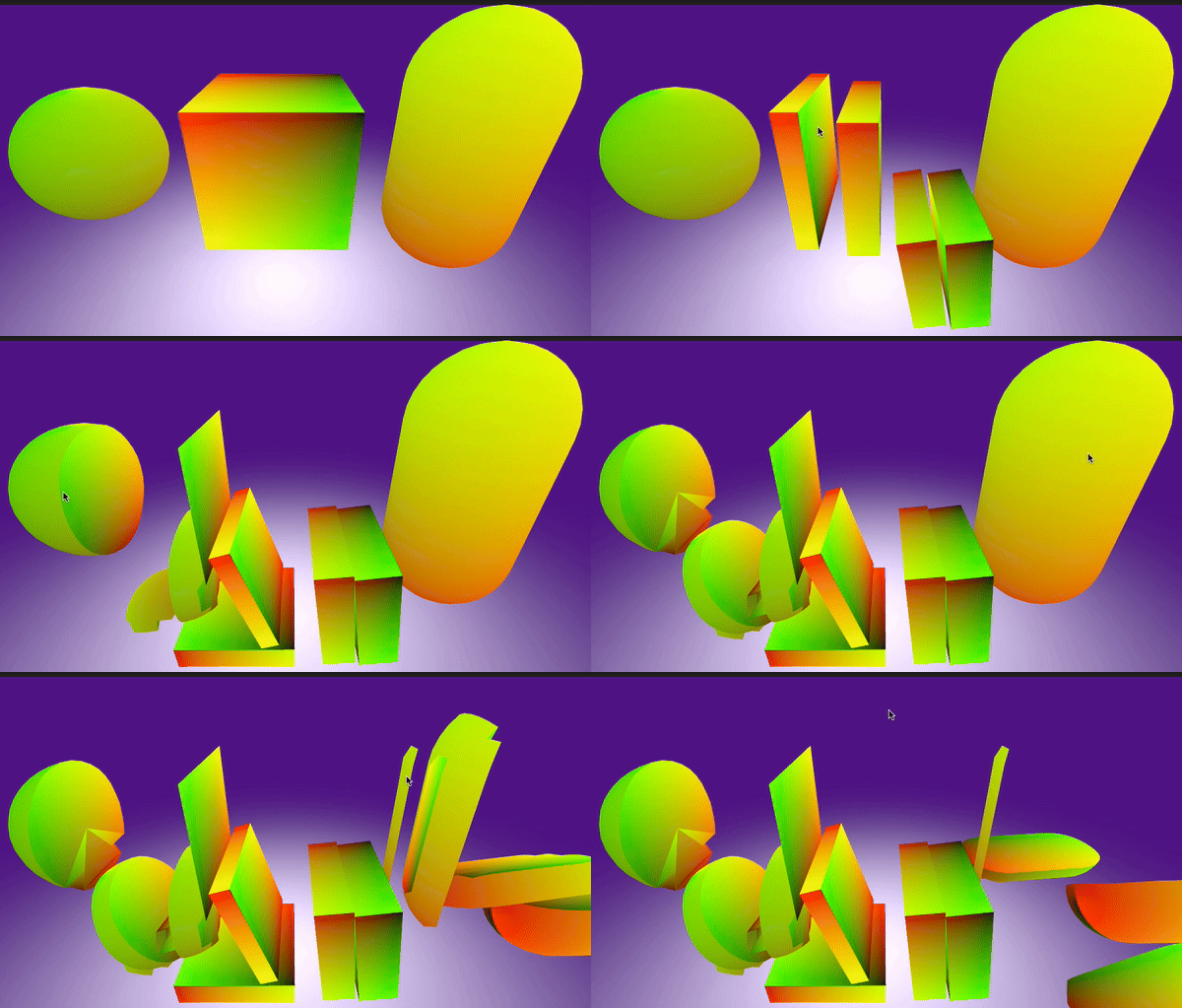
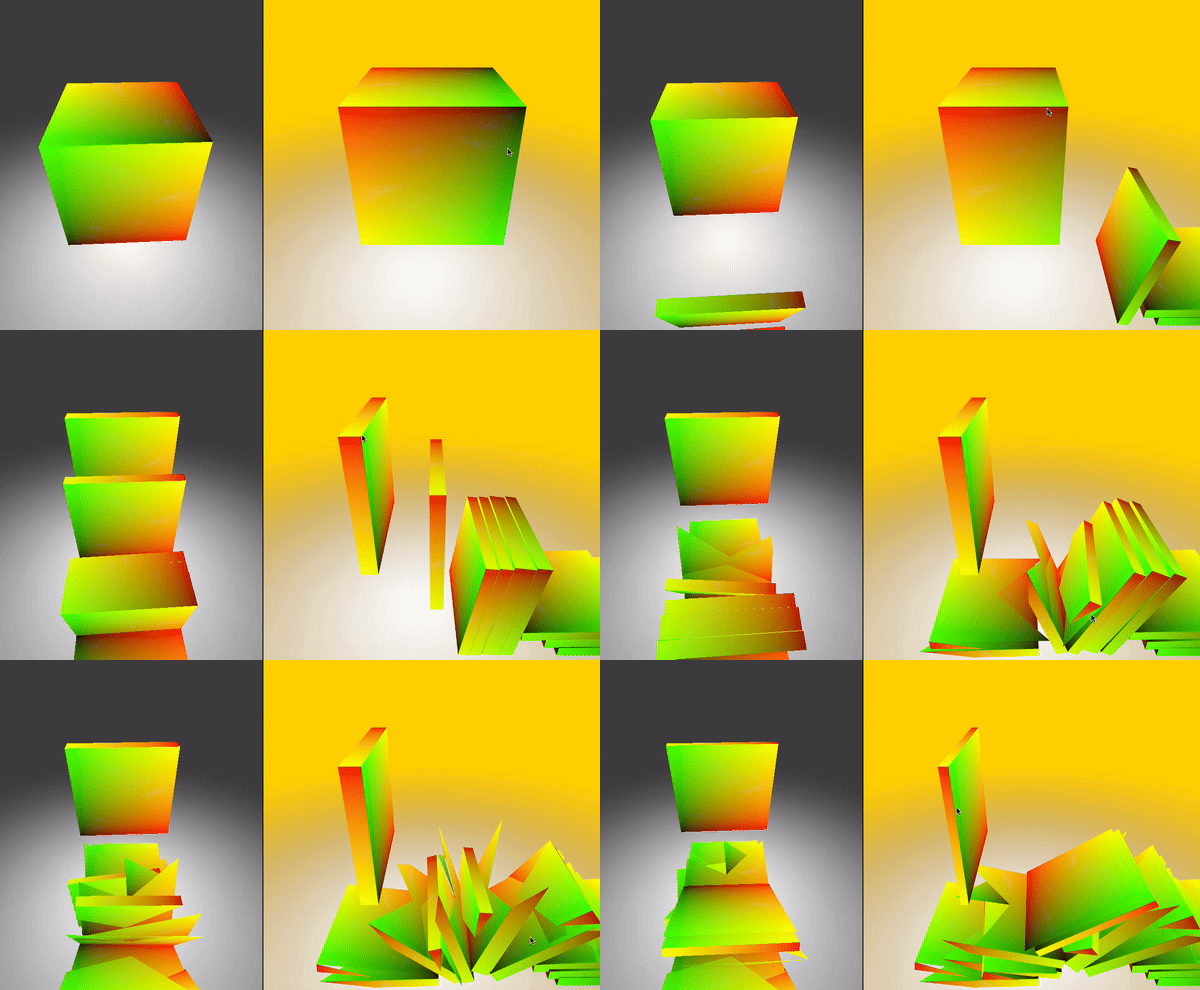
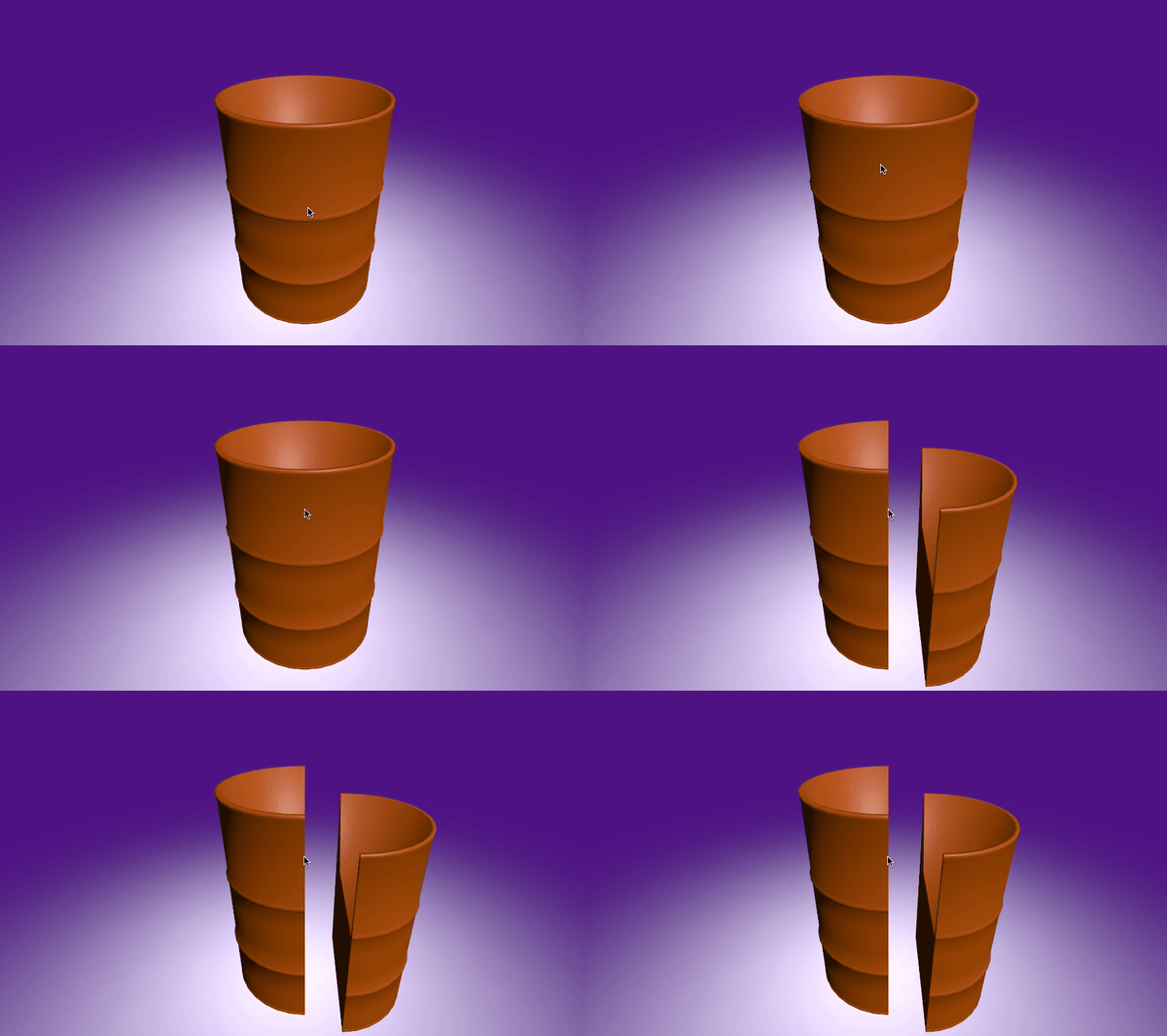
The Dynamic Mesh Slicer is a powerful and efficient Unity asset designed to allow users to slice any 3D mesh at runtime dynamically.
Unity 3D Mesh Slicer/Mesh Cutter
This Unity 3D Mesh Slicer is a simple and easy-to-use tool for cutting and deforming 3D meshes. It works with any Unity version and does not rely on specific rendering settings, making it versatile for various projects. The tool is optimized for mobile use, making it a great choice for applications on both mobile and desktop platforms. With its straightforward setup, anyone can add mesh slicing functionality to their game or app without hassle. This asset is developed from scratch using C# libraries with an intuitive system design.

System Design
The system is designed with the MHCutter component managing the process:
- Creating an Infinity Plane: Starts by creating a Unity Infinity Plane at the cutting position, used as the slicing reference. Custom planes can be defined for game-specific needs.
- Dividing the Target Object: The mesh is split based on triangle data, using MHMesh to store triangle info.
- Finding and Modifying Triangles: New points are added to ensure accurate slicing across triangles.
- Generating New Triangles: Generates three additional triangles on each new slice.
- Filling the Mesh: Ensures the newly created edge forms a connected loop and fills the slice correctly.
- Fixing UVs: Adjusts UV mapping to ensure texture accuracy after slicing.
Key Features
- Real-time Mesh Slicing: Slice any mesh at runtime based on player input or predefined events.
- Supports Static and Skinned Meshes: Works with static models and animated characters with skinned meshes.
- Clean Mesh Generation: Generates watertight meshes on both sides of the slice, preventing visual artifacts.
- Customizable Slice Plane: The slicing plane can be controlled by any axis or custom input, providing flexibility.
- UV and Normals Preservation: Properly maintains UV mapping and normals on both sliced parts to ensure correct texture display and lighting.
Requirements
- No version dependency: Developed in Unity 2022.3.14
- Supported OS: PC, Console, Mobile
Known Issues
- Extremely complex meshes with high vertex counts may experience slight performance drops. Can handle this using Async operation.
How to Use/Create:
- Create a new Unity scene.
- Import the package from the Asset Store.
- Create a GameObject, name it Mesh Slicer, and attach the
MHSlicerscript. - Optionally, add a
ClickToCutscript to trigger the slicing on mouse click. - Use
ScreenPointToRayto get the clicked object, then call theMHCutter'sCutmethod. - The sliceable object must have a
MeshFilter,MeshRenderer, and a Collider (MeshCollider). - To display a new material on the cut surface, add an extra material to the targeted GameObject
MeshRenderer. When the cut occurs, this extra material will appear on the newly created surface of both the main object and the sliced object.
⭐ Don’t forget to give this Asset a Review in the Asset Store if you find it useful! 🌟
🔗 Find me on LinkedIn: LinkedIn Profile